How Can Parents Use Technology to Support Early Learning?
Parents can use technology to support early learning by choosing age-appropriate educational apps, keeping activities interactive and connecting digital lessons with everyday play. Used correctly, technology can help young children practise important skills such as recognising letters, learning phonics, counting numbers, identifying colours and shapes, and building vocabulary.
The goal is not to replace traditional learning or play with screens. Instead, parents can make technology one part of a balanced learning routine. A good educational app for kids can provide short, engaging activities while parents encourage children to talk, explore, draw, count, read and play offline.
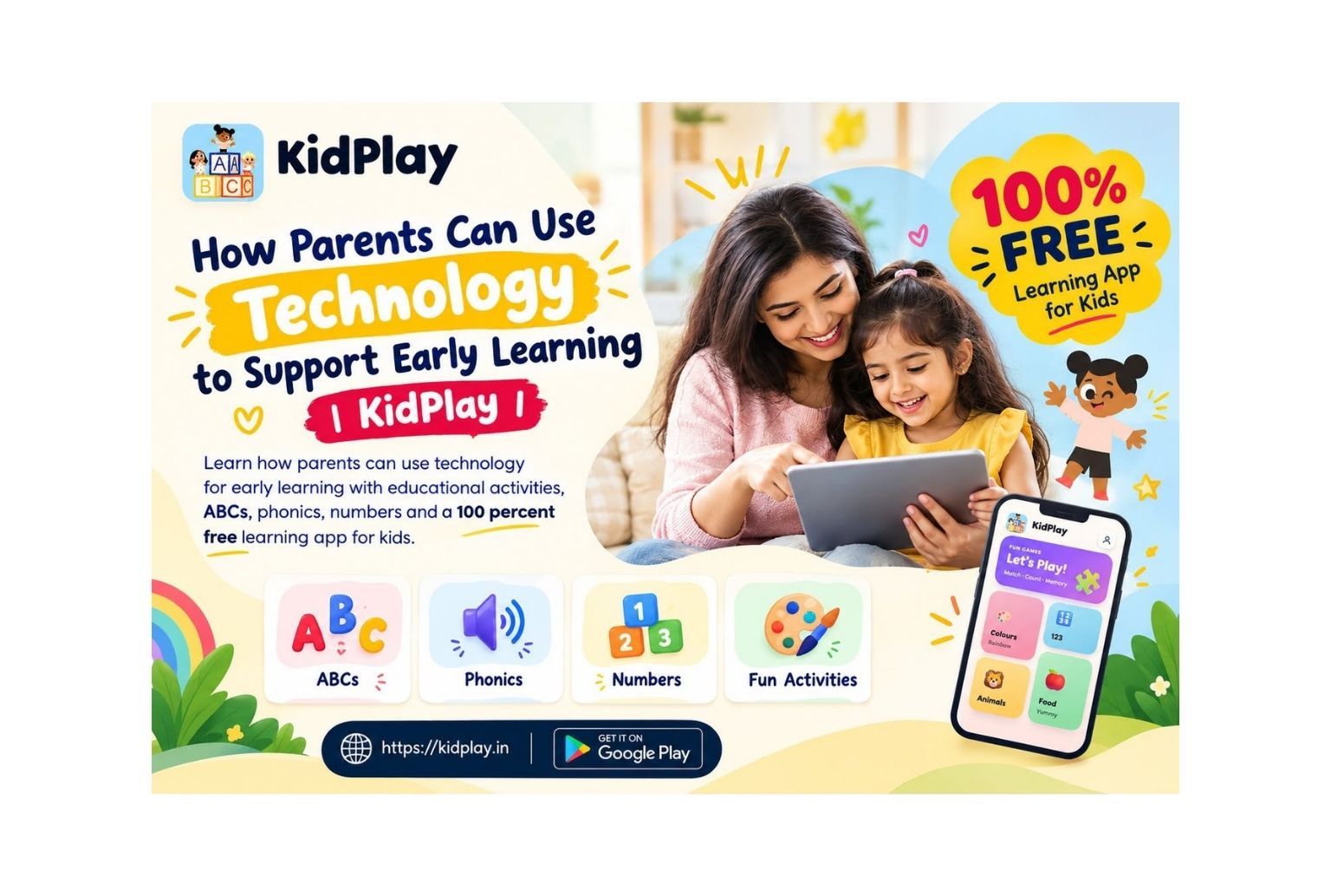
For families looking for an accessible learning app for preschoolers, KidPlay offers playful learning activities for children aged 2–8 years. Children can explore ABCs, phonics, numbers, colours, shapes, animals, vehicles, food, body parts, family, opposites, days and months.
1. Choose Technology That Encourages Learning
The first step is choosing content that is genuinely educational. Parents should look for an early learning app for kids that encourages children to identify, listen, match, count, remember and respond rather than simply watch.
Interactive activities can make foundational concepts easier to practise. When children can participate in an activity, they get opportunities to repeat concepts and learn at their own pace.
KidPlay uses a play-based approach to introduce familiar topics in a simple format, making it suitable for children who are beginning their early learning journey.
2. Use Technology to Teach Everyday Concepts
Digital learning becomes more useful when it connects with the child’s real world. Parents can take concepts from an app and turn them into simple activities at home.
After learning colours, ask your child to find three objects of the same colour. After practising numbers, count toys, fruits or books together. After learning animals, ask your child to name animals they recognise.
These activities help children understand that learning is not limited to a screen. Instead, technology can introduce an idea that children then explore in their everyday environment.
3. Make Digital Learning Interactive
Parents can improve the learning experience by joining their children during some activities. Simple questions can encourage children to think and communicate.
Ask questions such as:
• “Can you find the letter A?”
• “Which shape is a circle?”
• “How many objects can you count?”
• “What colour is this?”
• “Which animal is this?”
This type of interaction can turn an educational app for kids into an opportunity for conversation, observation and active learning.
4. Try a 100 Percent Free Learning App
Parents searching for a 100 percent free app for kids can explore KidPlay. The app provides interactive early learning activities covering important preschool concepts, including alphabets, phonics, numbers, colours, shapes, animals, vehicles, food, body parts and more.
A 100 percent free learning app for kids can be especially useful for parents who want to introduce educational screen time without adding another paid subscription to their monthly expenses.
Make Screen Time More Meaningful With KidPlay
Give your child a fun way to explore letters, numbers, colours, shapes, phonics and more through play-based learning.
Download KidPlay today and start your child’s learning journey.
Download KidPlay on Google Play
Visit the Official KidPlay Website
5. Combine Screen Learning With Offline Activities
Technology works best when it complements hands-on experiences. After completing a digital activity, parents can continue the same topic away from the screen.
For example, children can draw shapes after learning them digitally, practise writing letters after exploring the alphabet, or count household objects after completing a numbers activity.
Reading books, drawing, singing, outdoor play and family conversations should remain important parts of a child’s routine. Combining these experiences with digital learning can make early education more varied and engaging.
6. Encourage Independent Learning
A child-friendly preschool learning app can also give children opportunities to explore independently. Parents can allow their child to attempt an activity before providing the answer.
Successfully identifying a letter, number, colour or shape can give children a sense of achievement and encourage them to keep practising.
KidPlay is designed for children aged 2–8 years, making it suitable for toddlers, preschoolers and young learners who are developing foundational skills.
7. Keep Screen Time Purposeful
Parents do not need to eliminate technology from early childhood learning. Instead, the focus should be on using it wisely.
Choose age-appropriate educational content, participate when possible, encourage regular breaks and balance screen activities with physical play, reading, creativity and social interaction.
For parents searching for an early learning app for kids, ABC learning app, numbers learning app or phonics app for kids, KidPlay provides multiple learning topics in one child-friendly platform.
Frequently Asked Questions
How can technology help with early learning?
Technology can support early learning by providing interactive activities that help children practise letters, numbers, phonics, colours, shapes, vocabulary and other foundational concepts.
What should parents look for in an educational app for kids?
Parents should look for age-appropriate, interactive and easy-to-use content that encourages children to participate rather than simply watch.
Is KidPlay a 100 percent free app for kids?
Yes. KidPlay is a 100 percent free learning app for kids designed to provide playful educational activities for young learners.
What age is KidPlay suitable for?
KidPlay is designed for children aged 2–8 years, including toddlers, preschoolers and kindergarten learners.
What can children learn with KidPlay?
Children can explore ABCs, phonics, numbers, colours, shapes, animals, vehicles, food, body parts, family, opposites, days and months.
Can parents use KidPlay for learning at home?
Yes. Parents can include KidPlay in a home learning routine and extend digital activities through reading, drawing, counting and hands-on play.
Start Your Child’s Early Learning Journey
Technology can be a useful addition to early childhood education when it is purposeful, age-appropriate and balanced with real-world experiences.
The right learning app for kids can make practising foundational concepts more enjoyable while giving parents another tool to support learning at home.
From ABCs and phonics to numbers, colours, shapes and everyday vocabulary, KidPlay brings multiple early learning activities together in one playful experience.
Download KidPlay Today
Give your child a fun and engaging way to learn, play and explore with a 100 percent free app designed for young learners.
Download the 100 Percent Free KidPlay App on Google Play
Visit the Official KidPlay Website