Best Free Educational App for Toddlers Aged 2 Years
The age of two is a stage of discovery. Toddlers explore sounds, colours, familiar objects and new words. Picture books, songs and simple games support this journey. Digital activities should be colourful, simple and suitable for a young child's development.
A good learning app for 2-year-olds should encourage curiosity rather than create academic pressure. Interactive experiences can introduce basic concepts while leaving plenty of time for conversation, movement, outdoor play and family interaction. KidPlay is a 100 percent free app for kids that brings several early-learning topics together in one child-friendly platform.
Children develop at different rates. Introduce concepts gradually and repeat activities when your child shows interest, with parent support.
1. ABCs and Alphabet Recognition
An ABC learning app for toddlers introduces letters through colourful pictures and spoken pronunciation. Connect letters with familiar words such as apple and ball, and point them out in books and toys.
2. Numbers and Counting
Count blocks, toys or steps while walking. A number learning app for kids offers visual exposure to numbers and counting at a toddler's pace.
3. Colours and Shapes
Introduce red, blue, yellow and green using toys. Shape activities can help toddlers notice circles, squares and triangles. Find matching examples around the room.
4. Animals and Everyday Objects
Pictures of animals, fruits, vegetables and vehicles support vocabulary. Name each picture and invite your toddler to point or repeat the word.
5. Phonics, Matching and Memory
Phonics introduces sounds associated with letters. Matching and memory games encourage observation. Keep activities relaxed and focus on curiosity, not scores.
Why Choose a 100 Percent Free App for Kids?
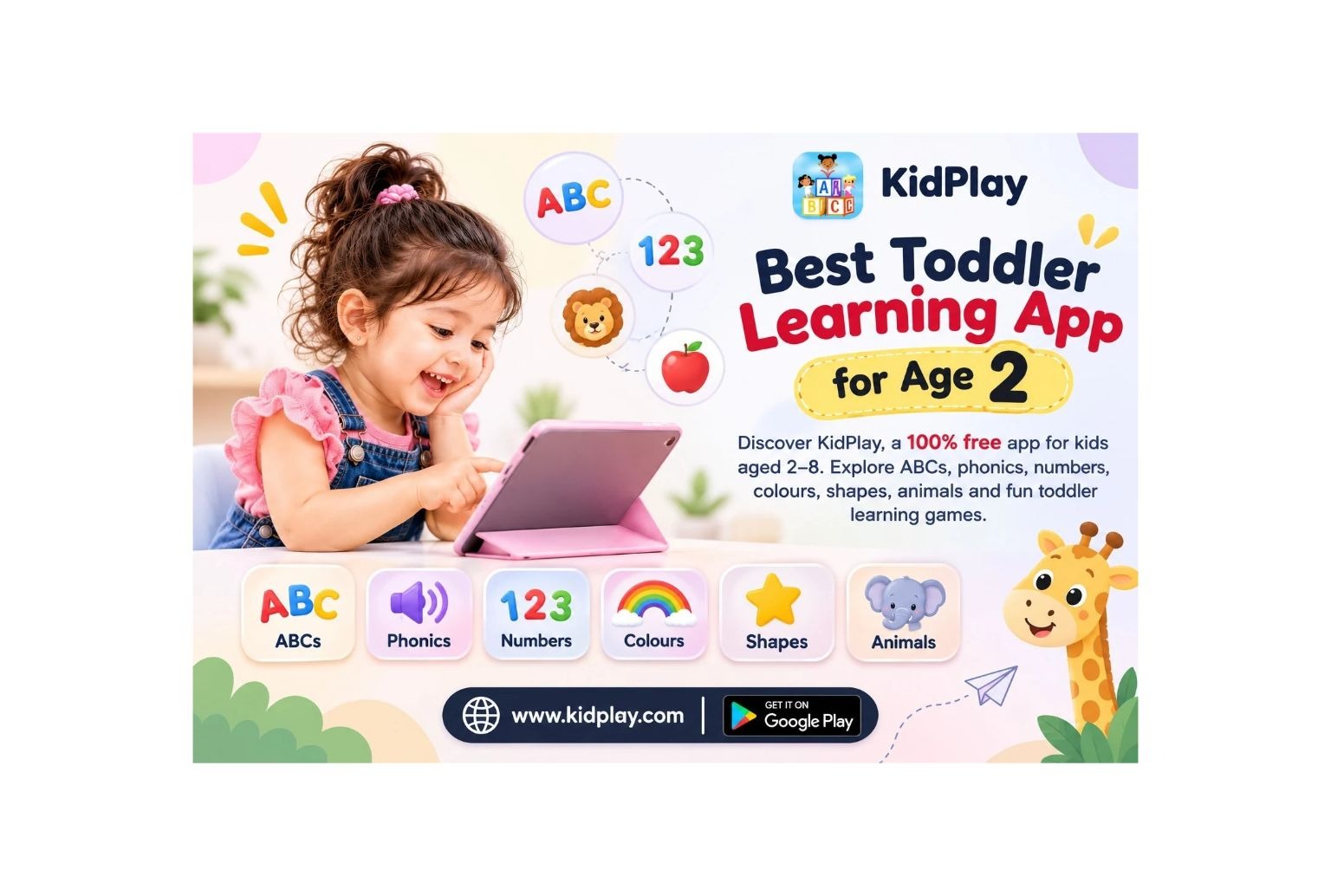
KidPlay is designed for children aged 2–8, including toddlers and preschoolers. It covers alphabets, phonics, numbers 1–100, colours, shapes, animals, vehicles, food, body parts, family, opposites, days and months. Matching, counting, pattern and memory games use colourful visuals and voice pronunciation.
Explore KidPlay: A Free Learning App for Toddlers
Looking for a simple way to introduce early-learning topics? Explore KidPlay, a 100 percent free app for kids, and discover interactive activities for little learners.
Frequently Asked Questions
1. Which is the best free learning app for 2-year-olds?
Look for simple, age-appropriate activities covering pictures, letters, numbers, colours, shapes and familiar objects. KidPlay offers interactive early-learning categories for young children.
2. Is KidPlay a 100 percent free app?
Yes. KidPlay is promoted as a 100 percent free app for kids, with learning activities available without a subscription fee.
3. What should a 2-year-old learn first?
Parents can introduce everyday vocabulary, familiar objects, colours, simple shapes, sounds, alphabet exposure and early number recognition through play.
4. Can a toddler learn ABCs through an app?
An app can provide exposure to letters, pictures and pronunciation. Parents can strengthen recognition by repeating letter names and connecting them with objects in daily life.
5. How much time should a 2-year-old spend using a learning app?
Keep digital activities limited, age-appropriate and supervised. Follow current pediatric screen-time guidance and ensure screen use does not replace sleep, active play, reading or family interaction.
Conclusion
Choosing the best free educational app for toddlers aged two means finding a resource that makes discovery enjoyable and supports learning without pressure. From ABCs and phonics to numbers, colours, shapes, animals and matching games, simple activities can introduce useful concepts through play.
KidPlay brings these topics together in a 100 percent free app for kids aged 2–8. Use it alongside books, conversations and hands-on experiences to create a balanced early-learning routine.
Start exploring with your child today: Download KidPlay on Google Play or visit the official KidPlay website.